Web dashboard tour
The dashboard is a small web view of the Git repositories hosted by ck-git-hosting. It shows project activity, source files, commit history, and continuous integration without a separate database or web application.
Projects at a glance
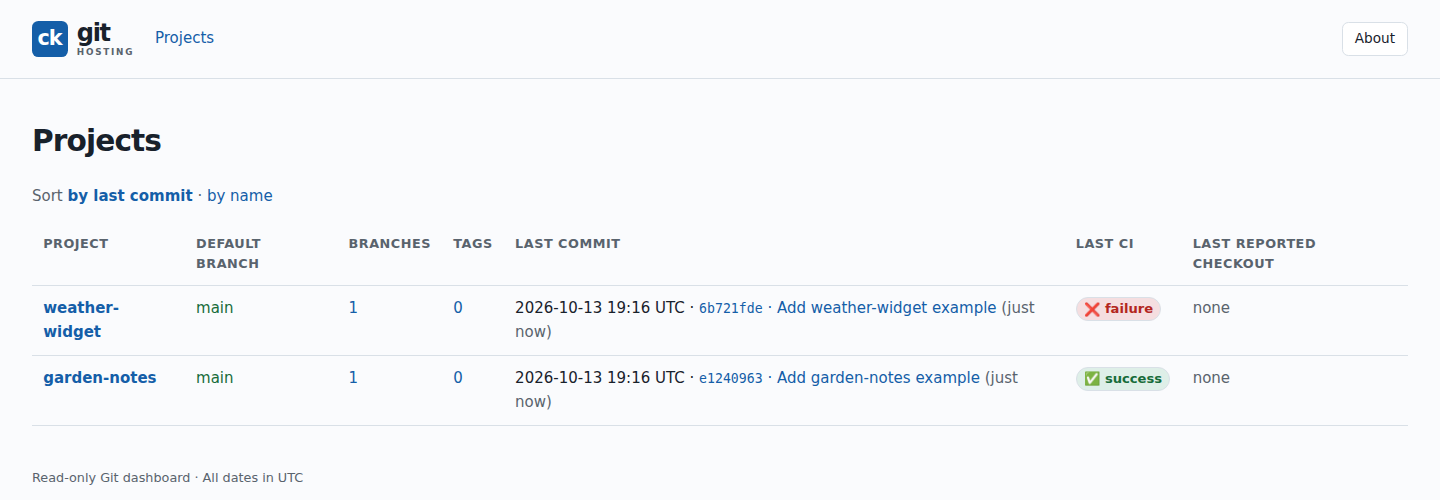
The project list shows the default branch, most recent commit, and latest CI result for each hosted repository.
Project overview
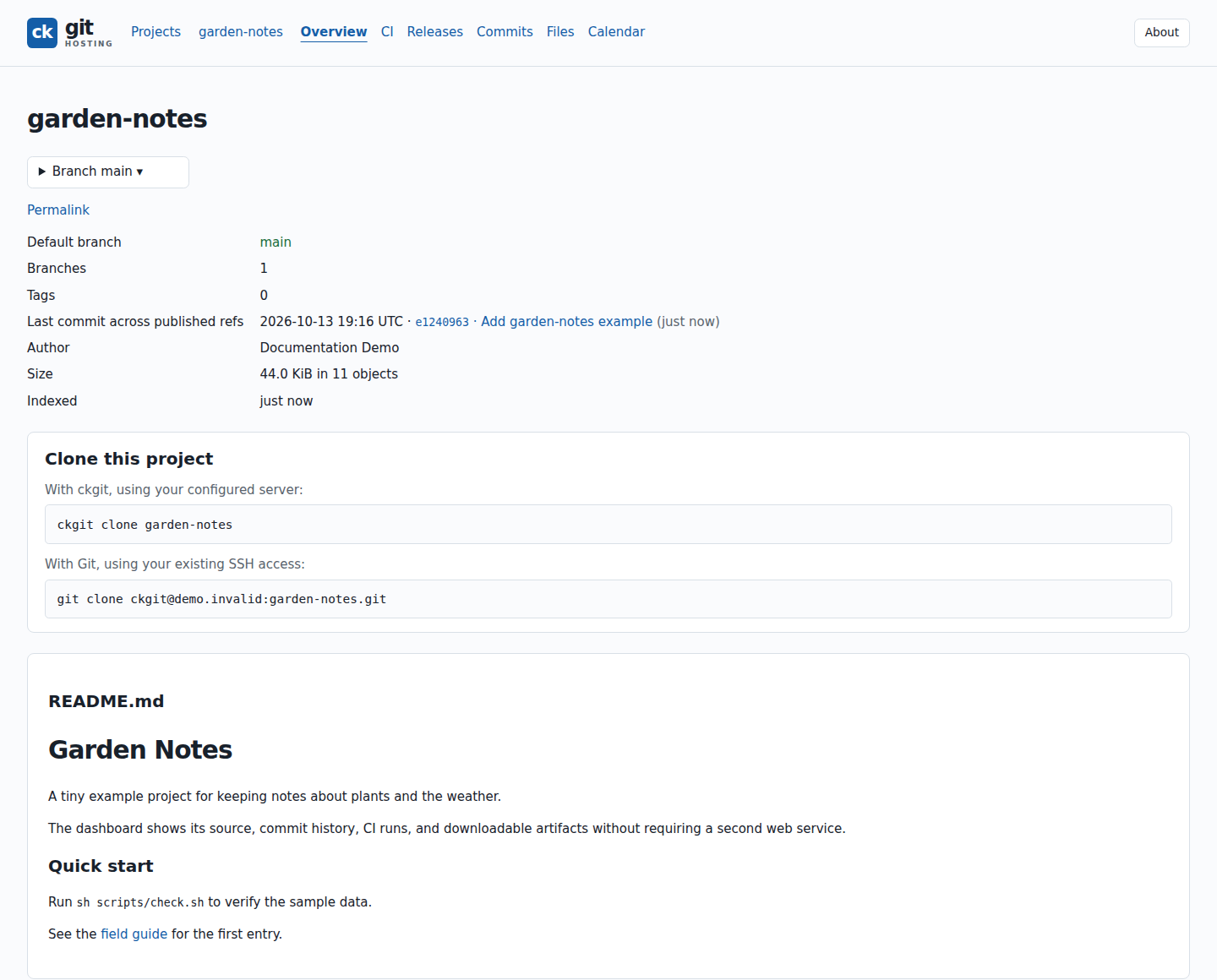
Open a project to see its branches, latest commit, clone commands, and rendered README.
Browse source and documentation
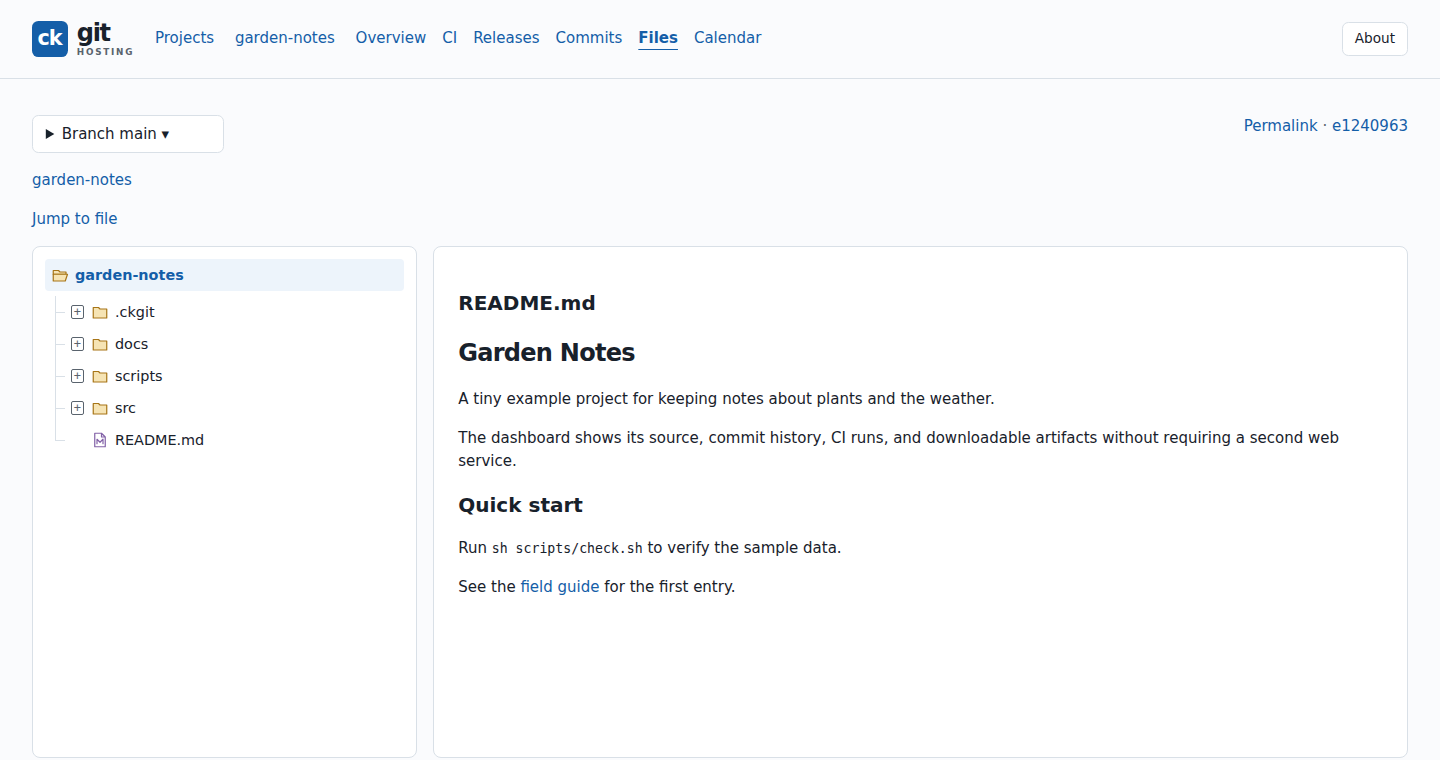
The Files view has a navigable tree alongside the selected file. Markdown files render in place; source files can be opened with line numbers and syntax highlighting.
Follow a CI run
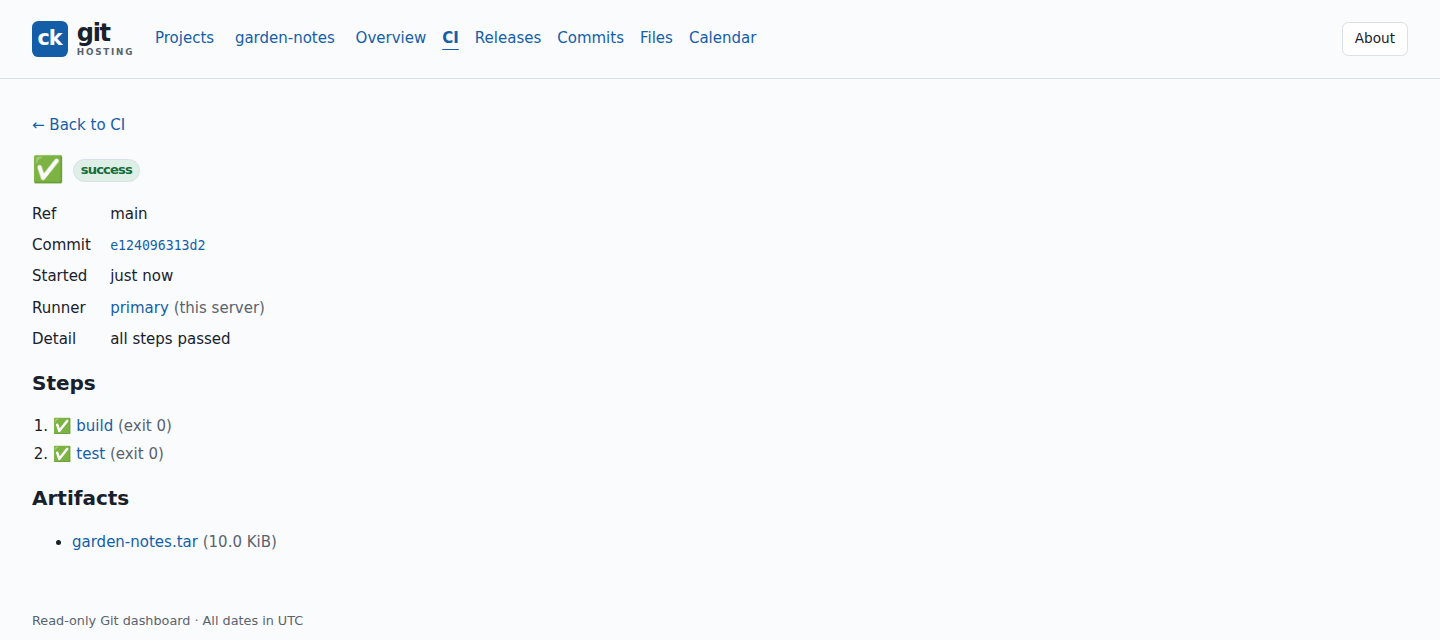
A run page shows the branch, commit, result of each workflow step, and artifacts. Each step links to its captured log.
The dashboard binds to loopback by default. To view your own projects through an SSH tunnel, see Open the dashboard.