ck-git-hosting
Private Git hosting for your own server.
Publish, clone, and sync projects with ckgit. Browse source, commit history,
and CI results in the web dashboard. Host Markdown documentation with ckdocs.
Repositories use standard Git and OpenSSH on Debian, including Raspberry Pi.
Install the server · Set up a device · Explore the dashboard
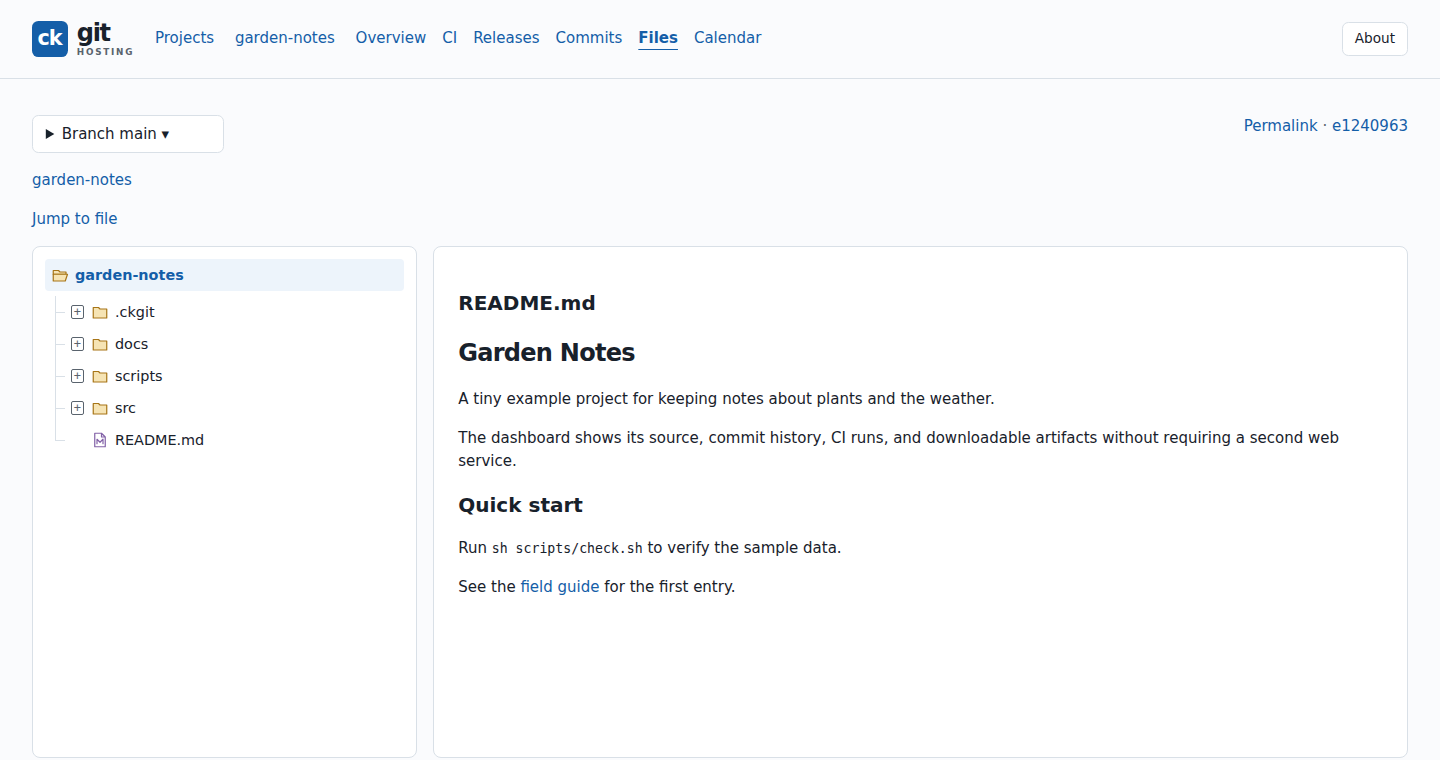
Start with a project
After installing and pairing your device:
ckgit setup --server ckgit@server --client-id laptop --web-host server
ckgit doctor
cd ~/code/my-project
ckgit publish
ckgit web
Replace server with your SSH host and laptop with your paired device ID.
publish previews the changes and asks for confirmation.
What would you like to do?
| Task | Guide |
|---|---|
| Bring projects to your server | Publish and sync |
| Work from another device | Clone and update |
| Choose or repair a local checkout | Manage checkouts |
| Browse files, commits, and build results | Dashboard tour |
| Run automated builds | Continuous integration |
| Let other machines take on CI jobs | Remote runners |
| Follow builds and get release packages | Builds and releases |
| Publish documentation and Mermaid diagrams | Get started with ckdocs |
| Protect or recover your repositories | Backup and recovery |
Reference and administration
- Client commands
- Server installation and upgrades
- Packages and releases
- Build from source
- SSH and control protocol
Read the online documentation. Licensed under the MIT License.