 CK Core Motif
StatusBar
XmStatusBar is an opt-in client-area status presentation. It copies item
IDs and labels and creates ordinary label children; the application retains
ownership of the status model and user_data. Progress items are rendered
as a bounded value/maximum suffix when the item kind is
XmSTATUS_BAR_ITEM_PROGRESS.
Items have an explicit priority. When the bar is narrower than the natural
width, higher-priority items remain visible first and lower-priority items are
unmapped. XmStatusBarGetOverflowCount reports how many were hidden so the
application can expose its own menu or other policy. The toolkit does not
invent navigation, queueing or an overflow command model.
The bar owns only its presentation children and tears them down with the owner. Geometry, status semantics, updates, and overflow interaction remain application-owned. Accessibility exposes the composite as a named panel without pretending that status items are actionable controls.
Component demo
Captured gallery example and its corresponding source excerpt.
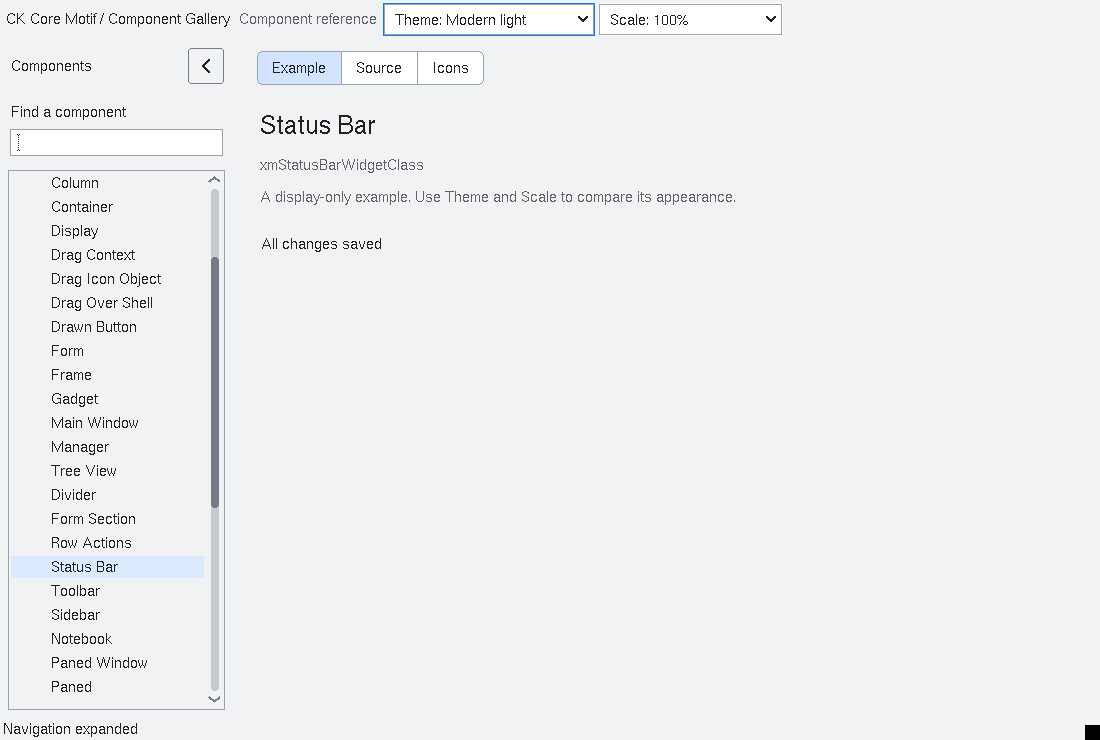
Actual gallery excerpt: class = xmStatusBarWidgetClass. The host supplies parent, name, callback and client_data. Shared factory locals: Widget example; XmString label = NULL. The shared factory frees label, attaches callbacks and sizes the preview. Helpers and the complete factory are in gallery_examples.c.
XmStatusBarItem item = {0};
label = XmStringCreateLocalized((char *)"All changes saved");
item.id = "save"; item.label = label; item.kind = XmSTATUS_BAR_ITEM_TEXT;
example = XtVaCreateManagedWidget((char *)name, class, parent, NULL);
XmStatusBarSetItems(example, &item, 1);