 CK Core CDE
Desktop Screenshots
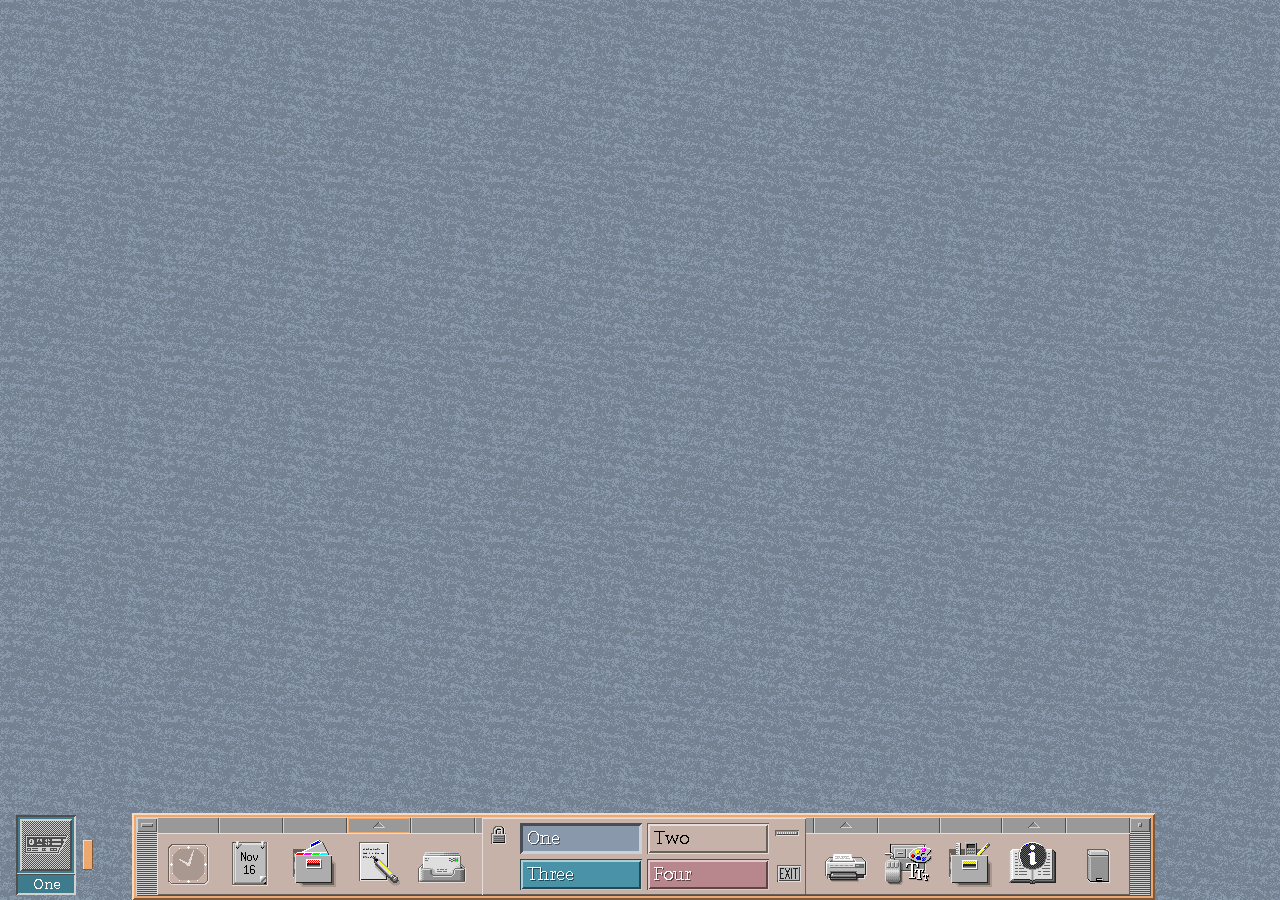
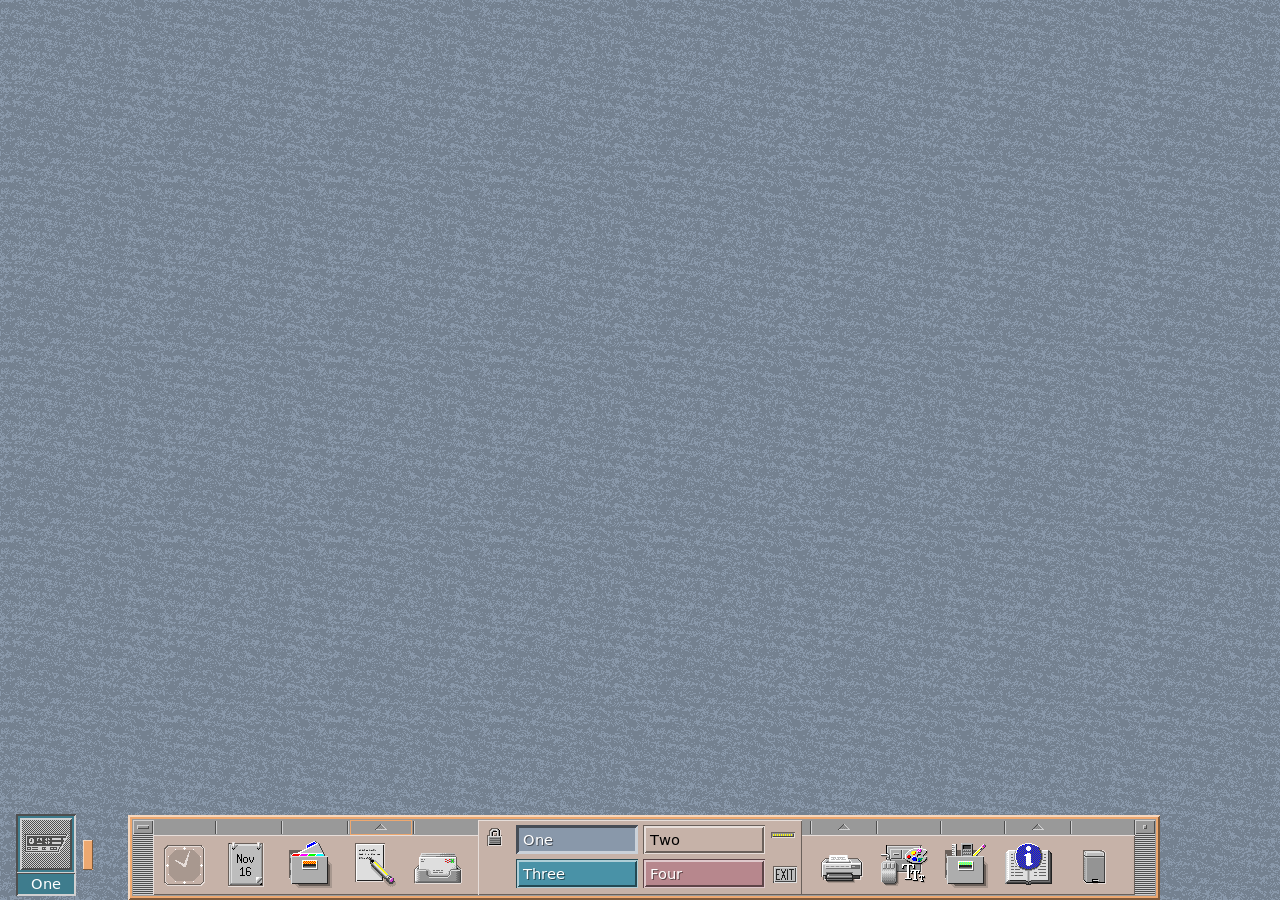
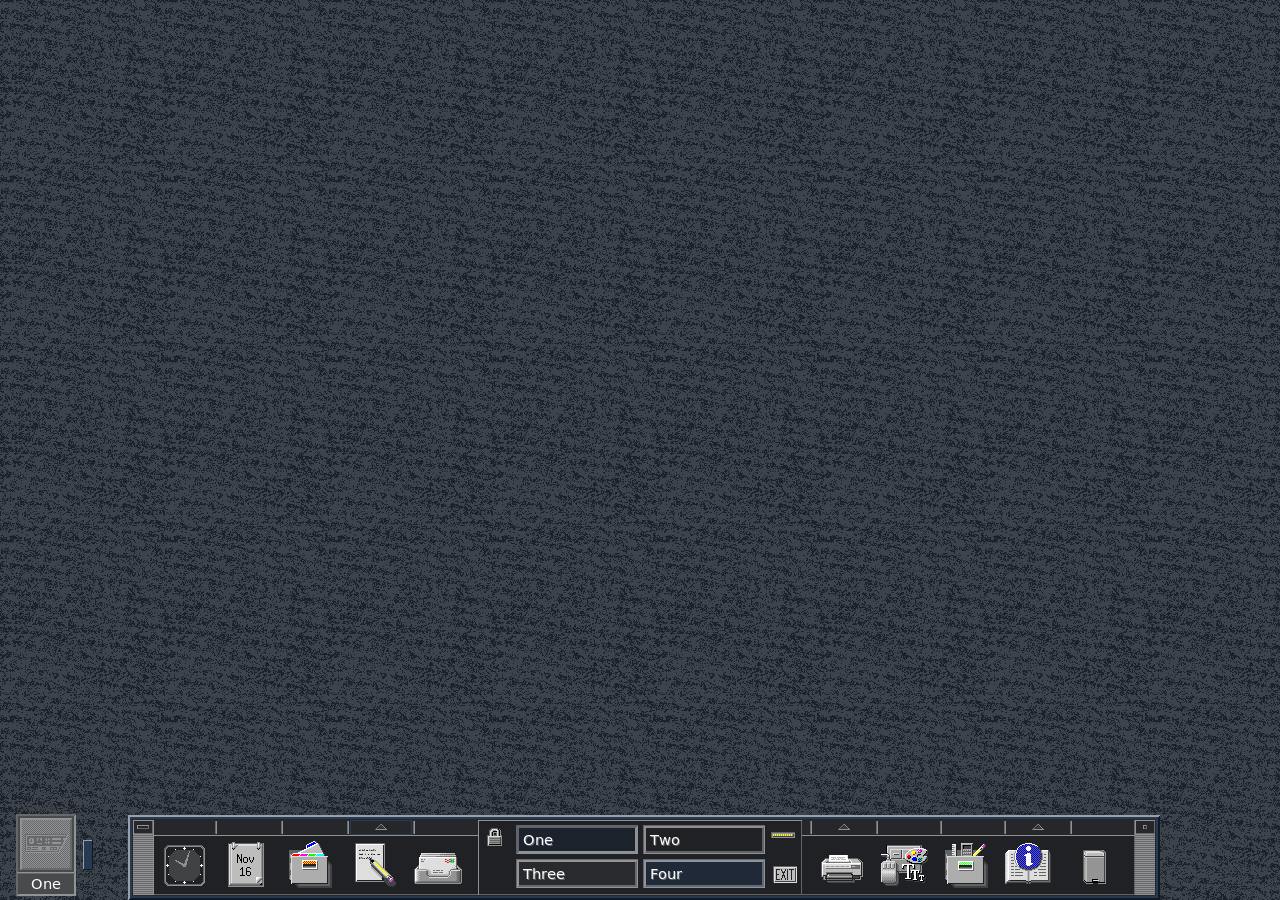
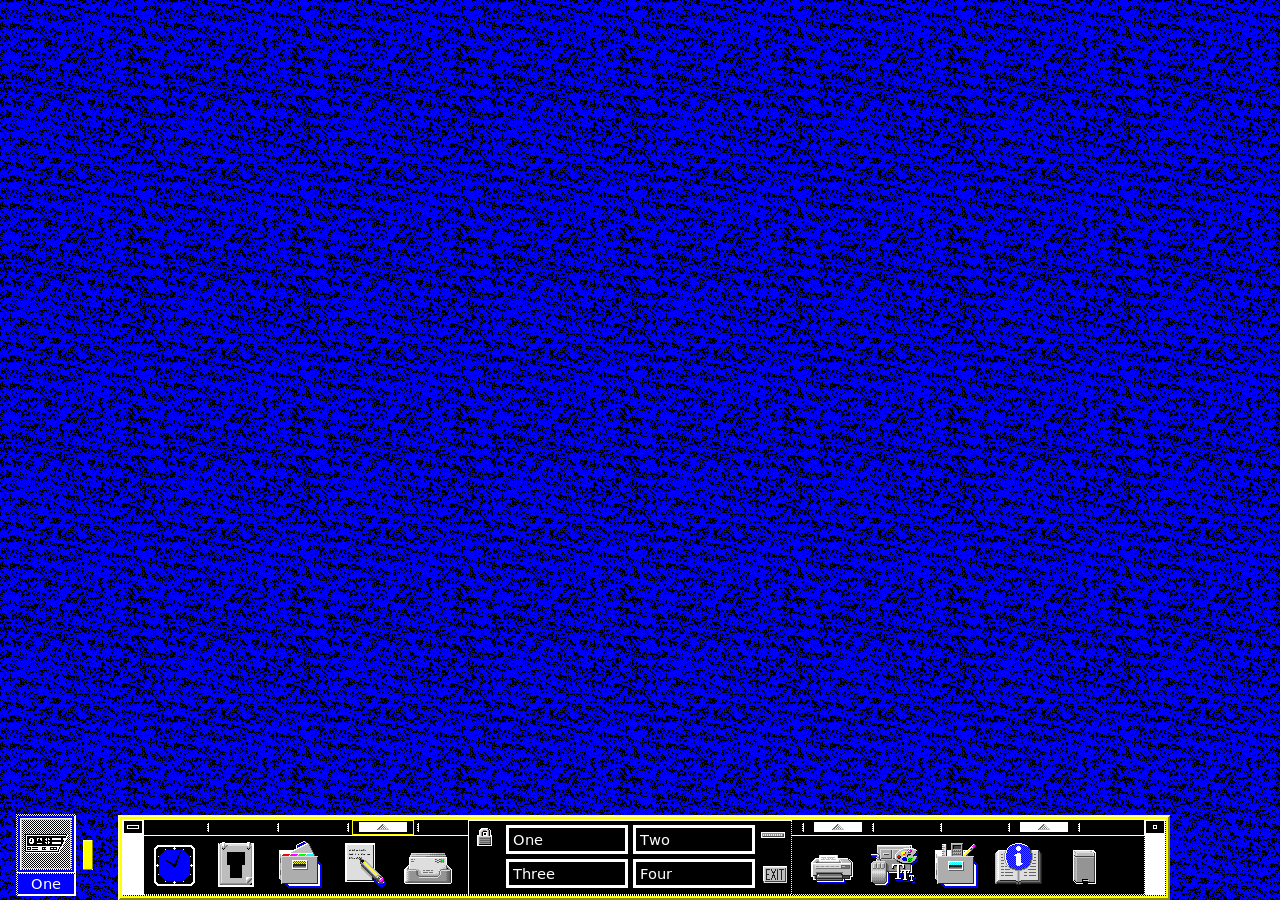
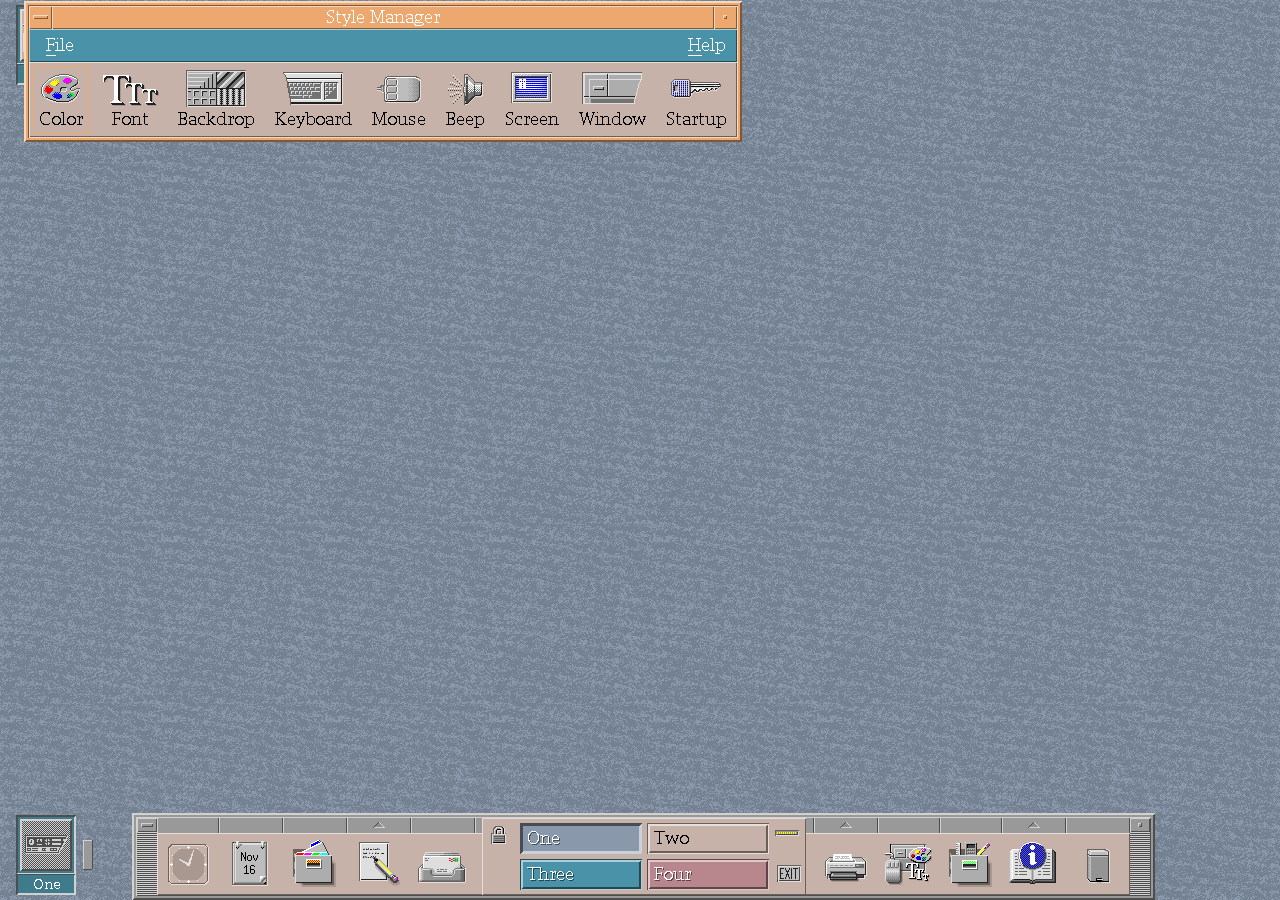
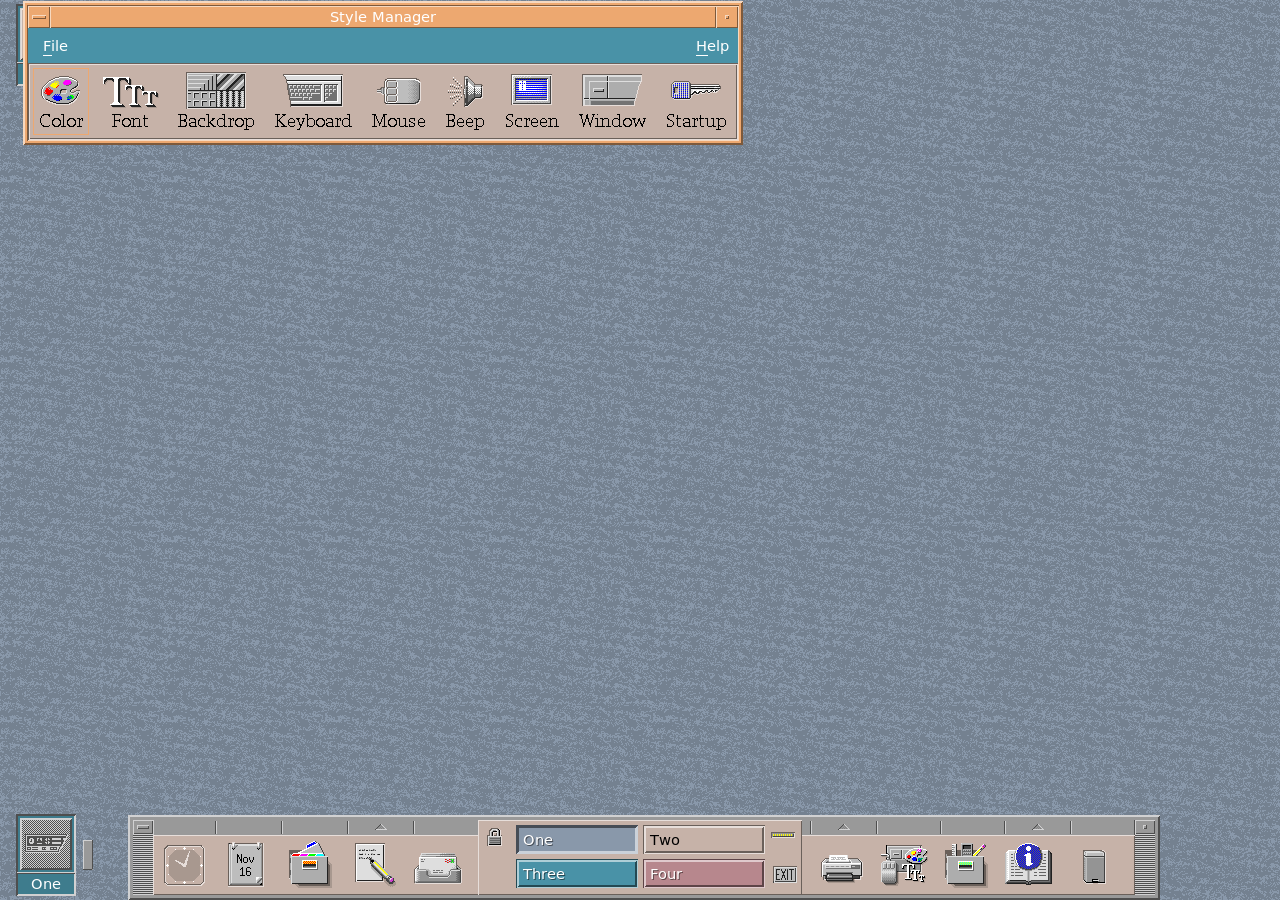
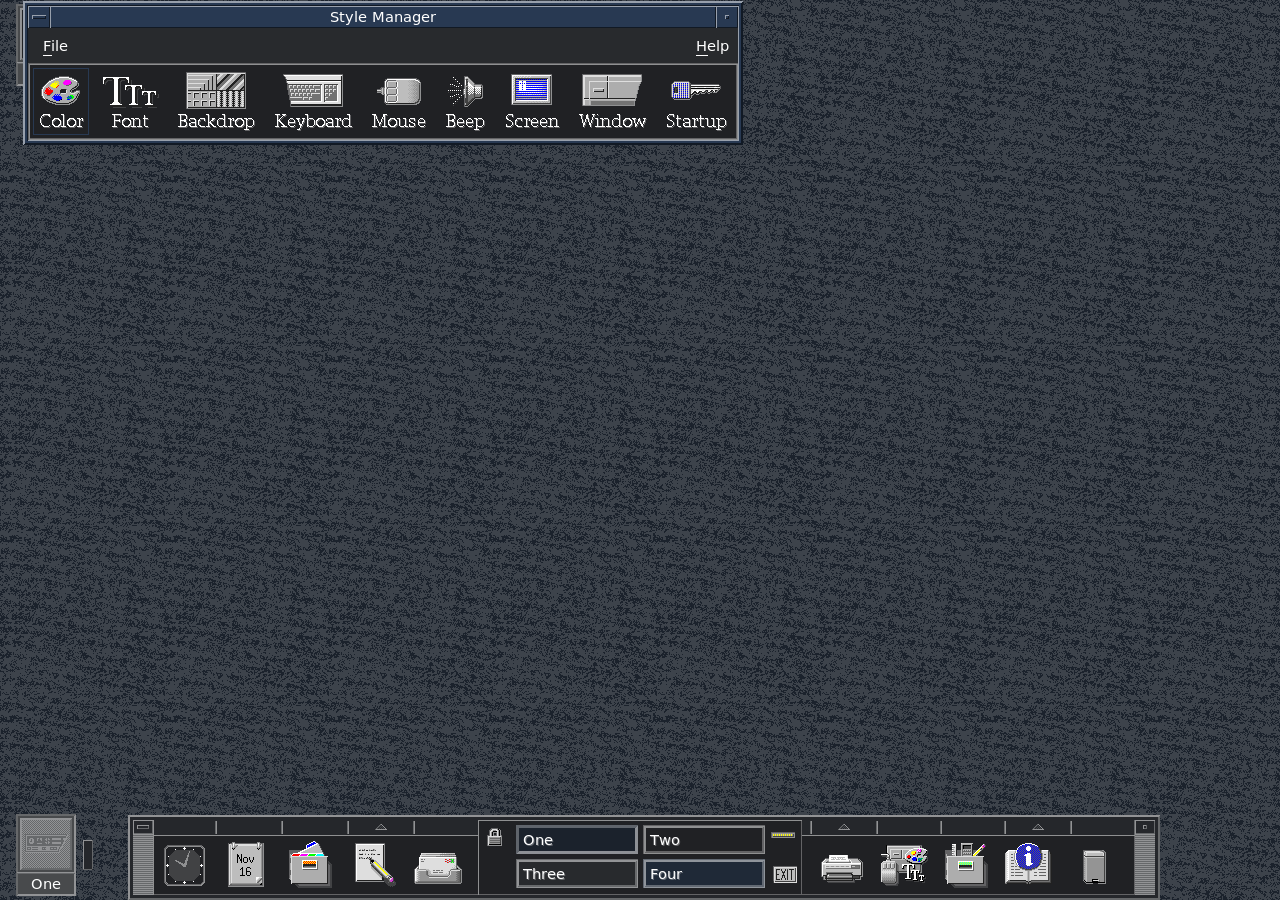
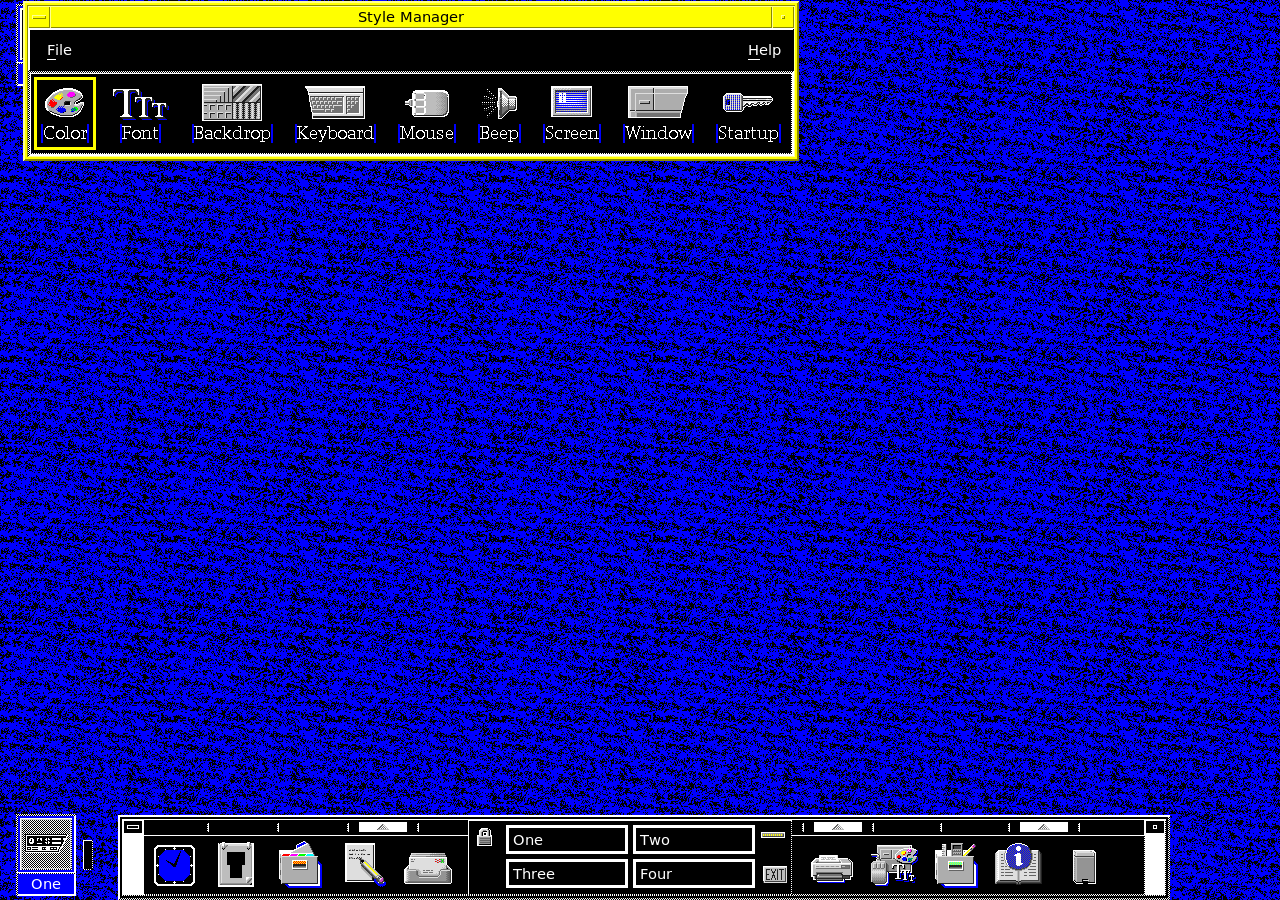
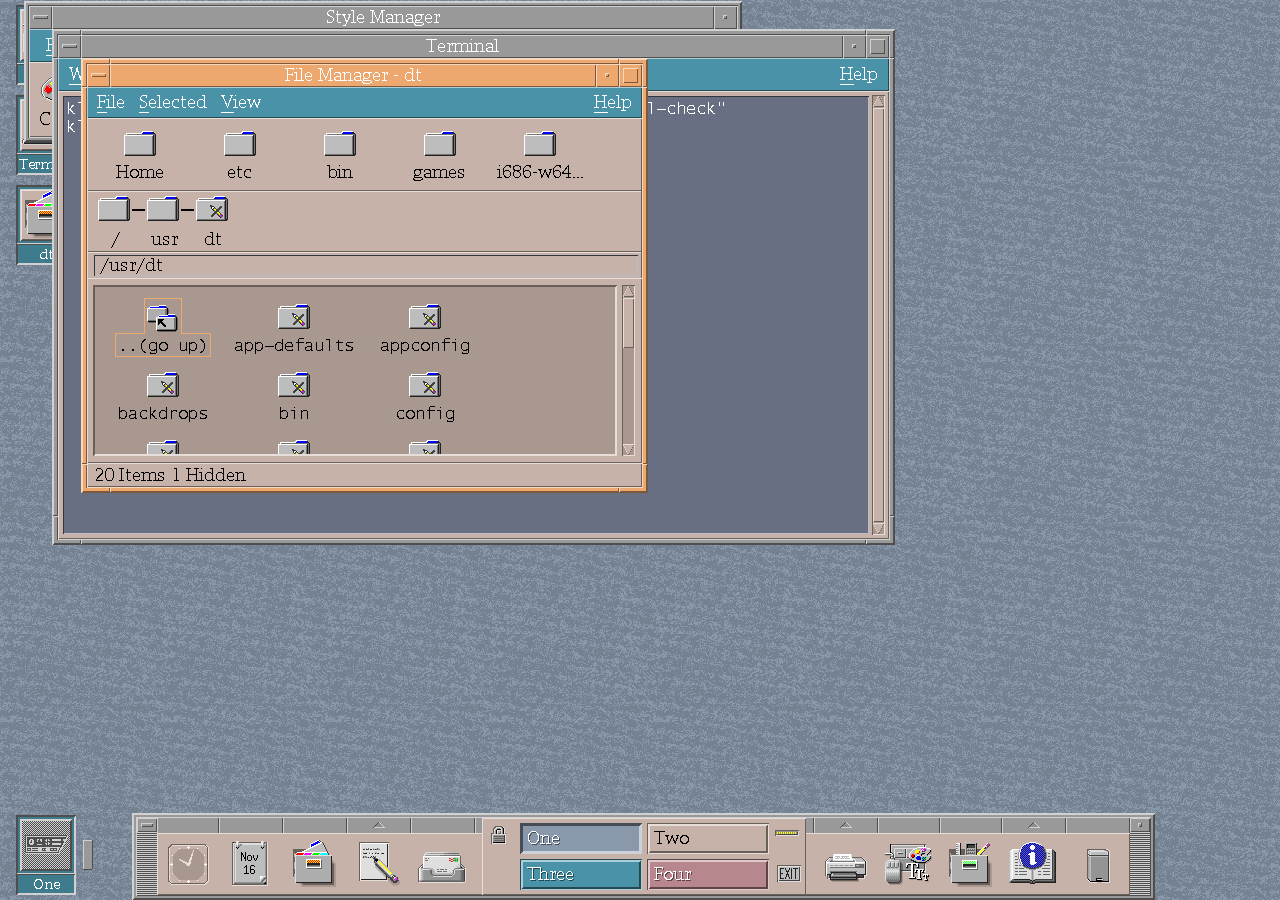
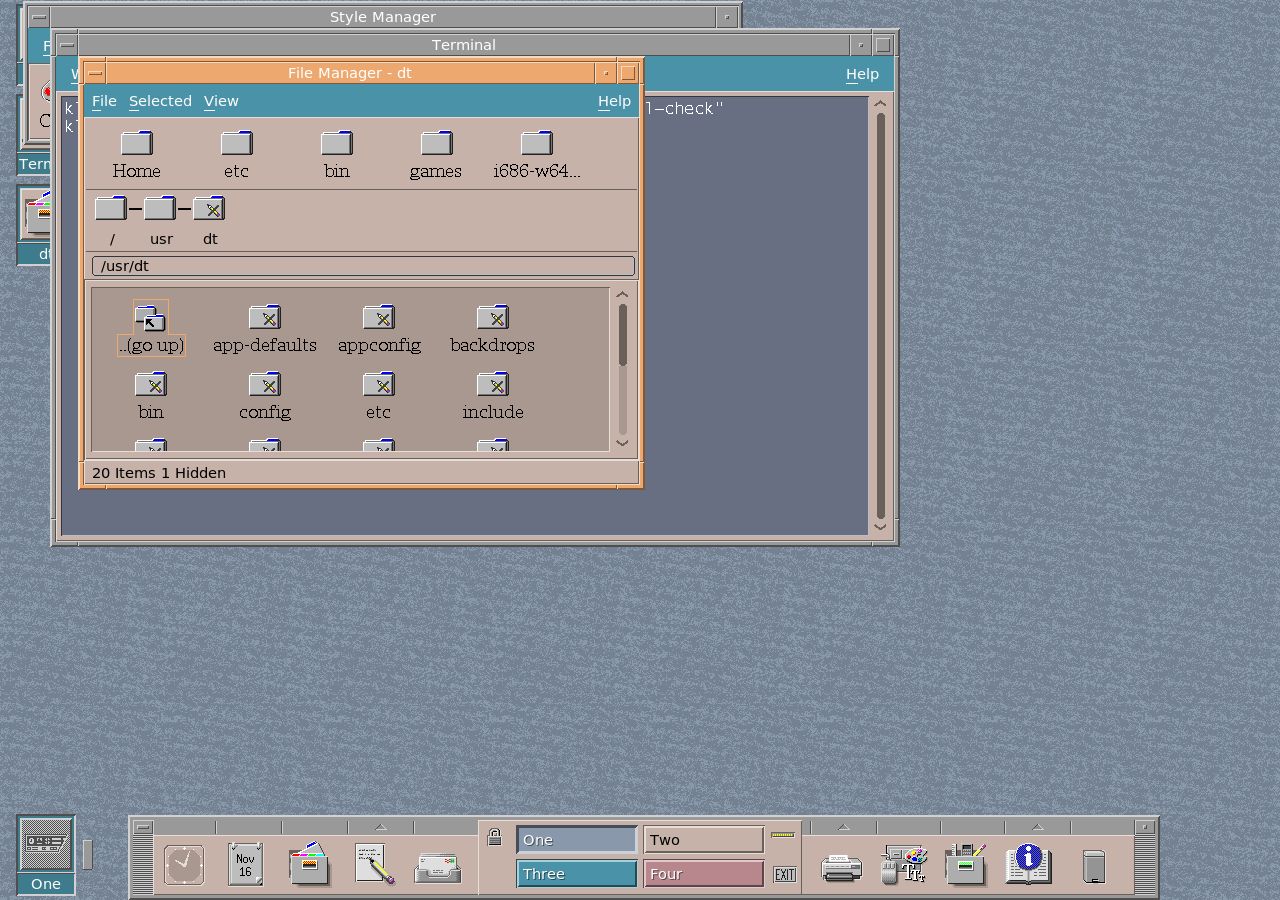
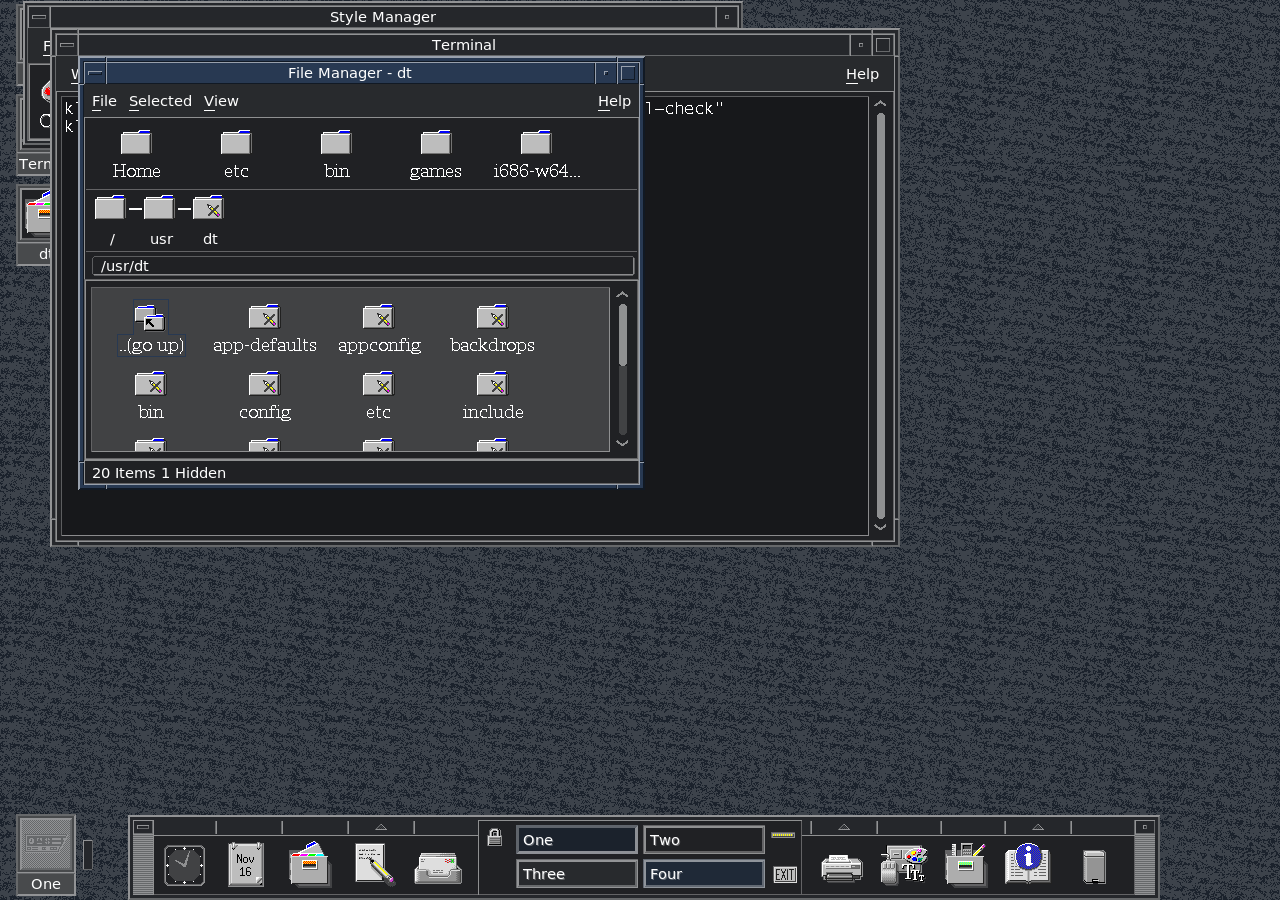
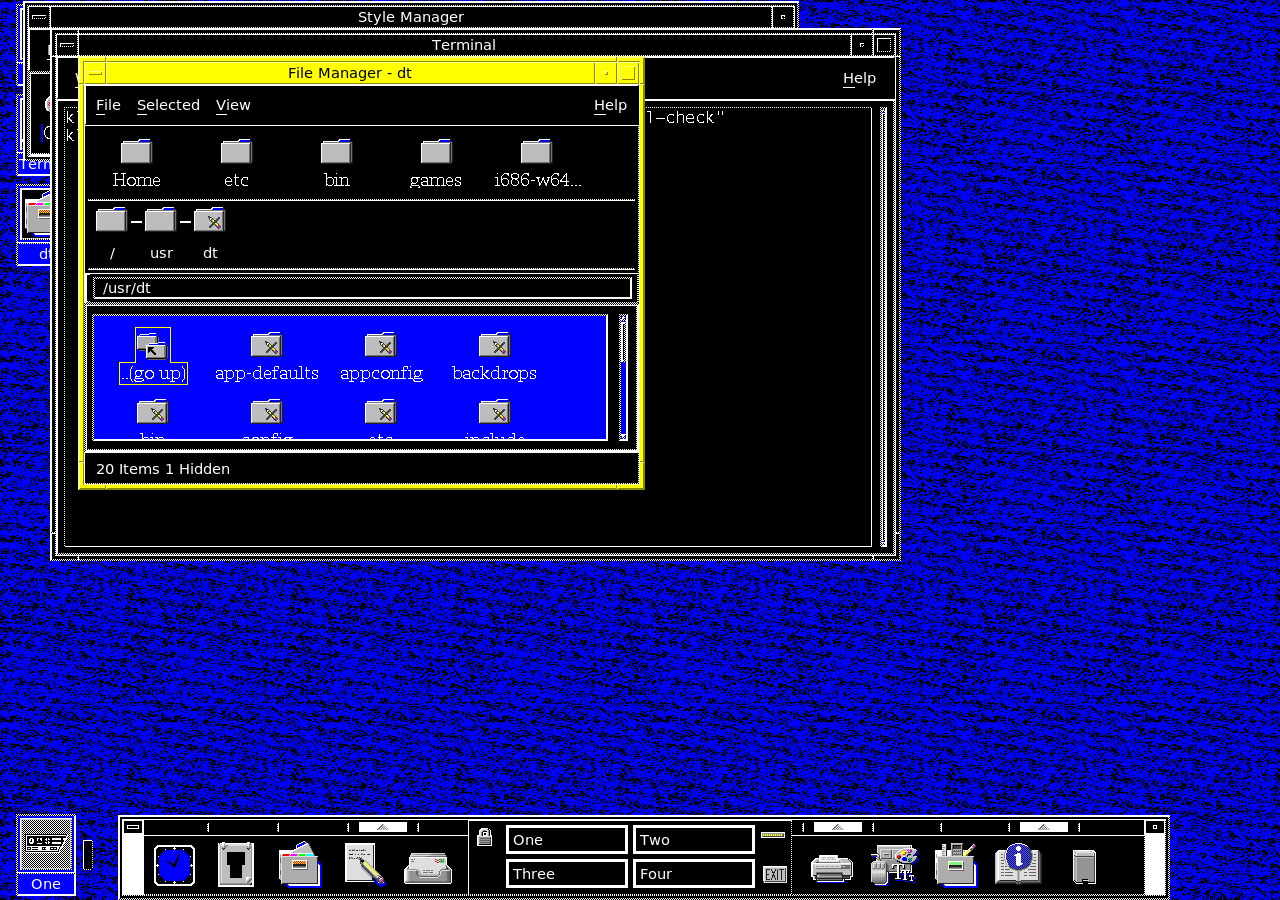
These screenshots come from a real CK Core CDE session launched with
/usr/dt/bin/Xsession on ARM64 Linux (1280x900, 24-bit color) against the
matched CK Core Motif ABI 9 (libXm.so.9) stack. Each scene is captured across
all four built-in Motif appearance profiles (Classic, Modern Light,
Modern Dark, and High Contrast) so the classic CDE baseline and the modern
vector/Xft appearance profiles can be compared side by side.
Desktop and Front Panel
The default session starts dtsession and dtwm, displaying the CDE workspace
backdrop and the Front Panel with its workspace switcher, clock, mailer,
terminal, file manager, text editor, and style manager controls. In the modern
appearance profiles, dtsession selects the matching desktop palette
(Default.dp for modern_light, ModernDark.dp for modern_dark, or
HighContrast.dp for high_contrast) and dtwm renders the Front Panel
workspace switcher with Xft typography.
Style Manager
dtstyle opens from the session and manages desktop color palettes, fonts,
backdrops, keyboard, mouse, beep, screen, window, and startup settings. Selecting
ModernLight, ModernDark, HighContrast, or any classic palette in the Color
dialog previews the corresponding Motif appearance profile live via
XmApplyAppearanceProfile() and persists both ColorPalette and
*appearanceProfile in RESOURCE_MANAGER.
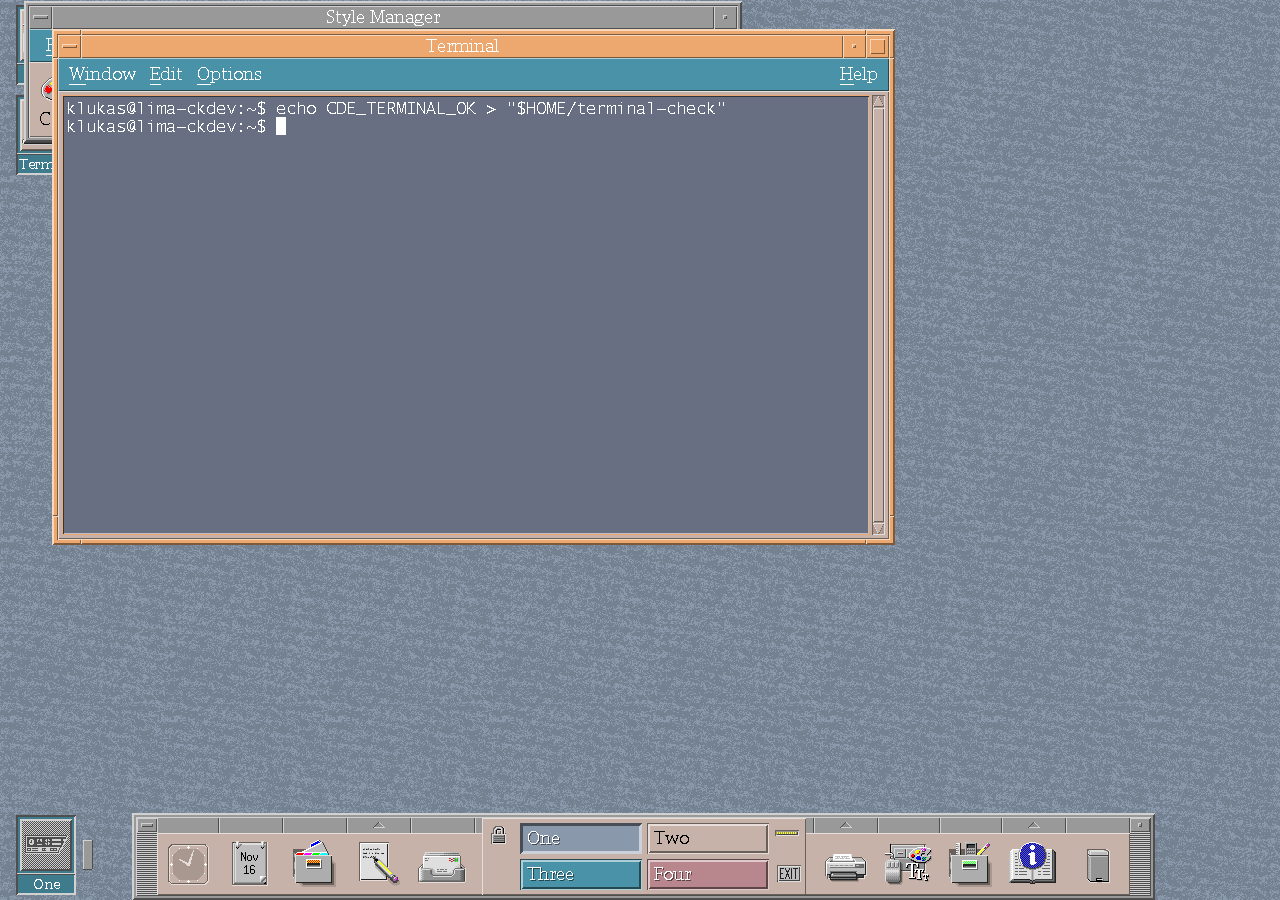
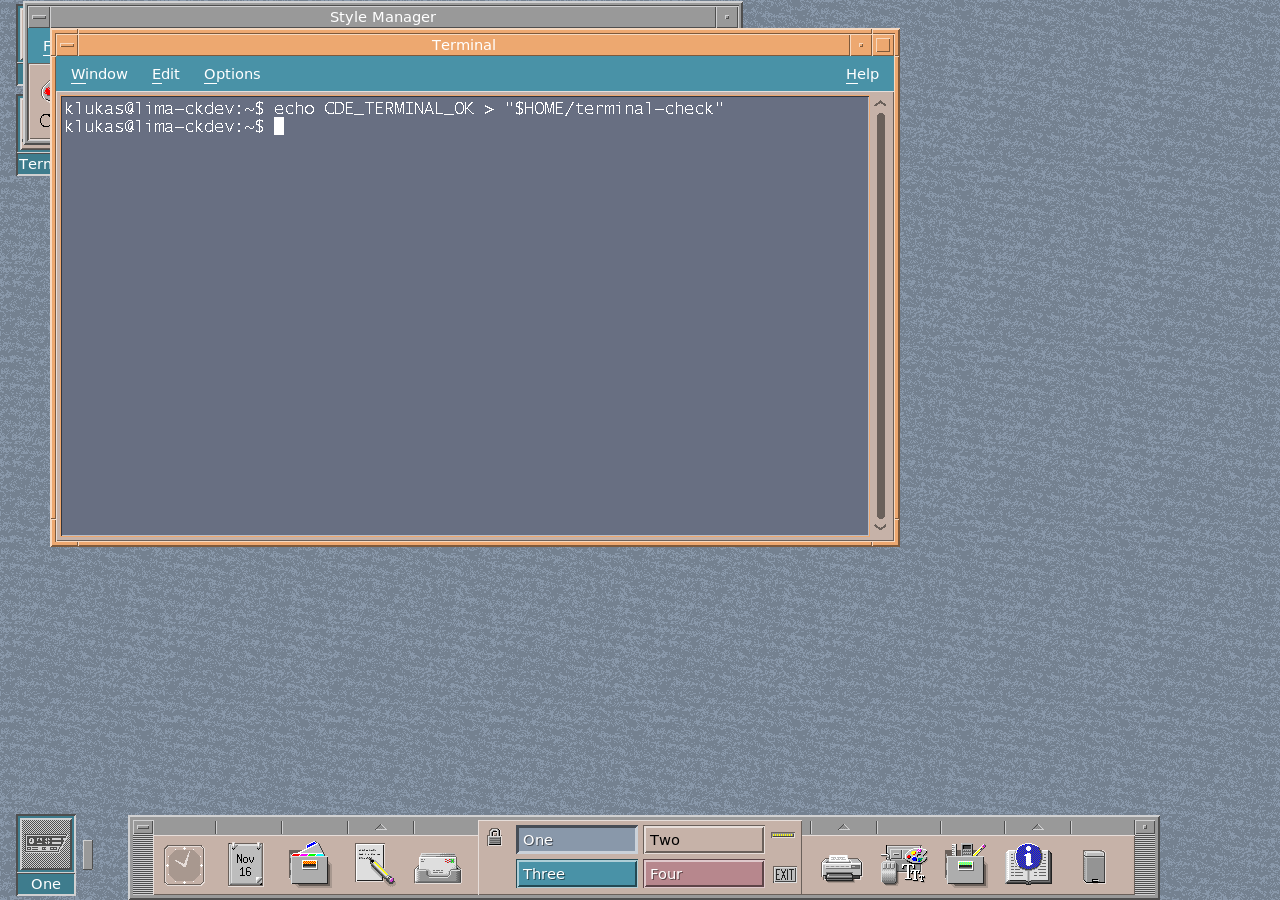
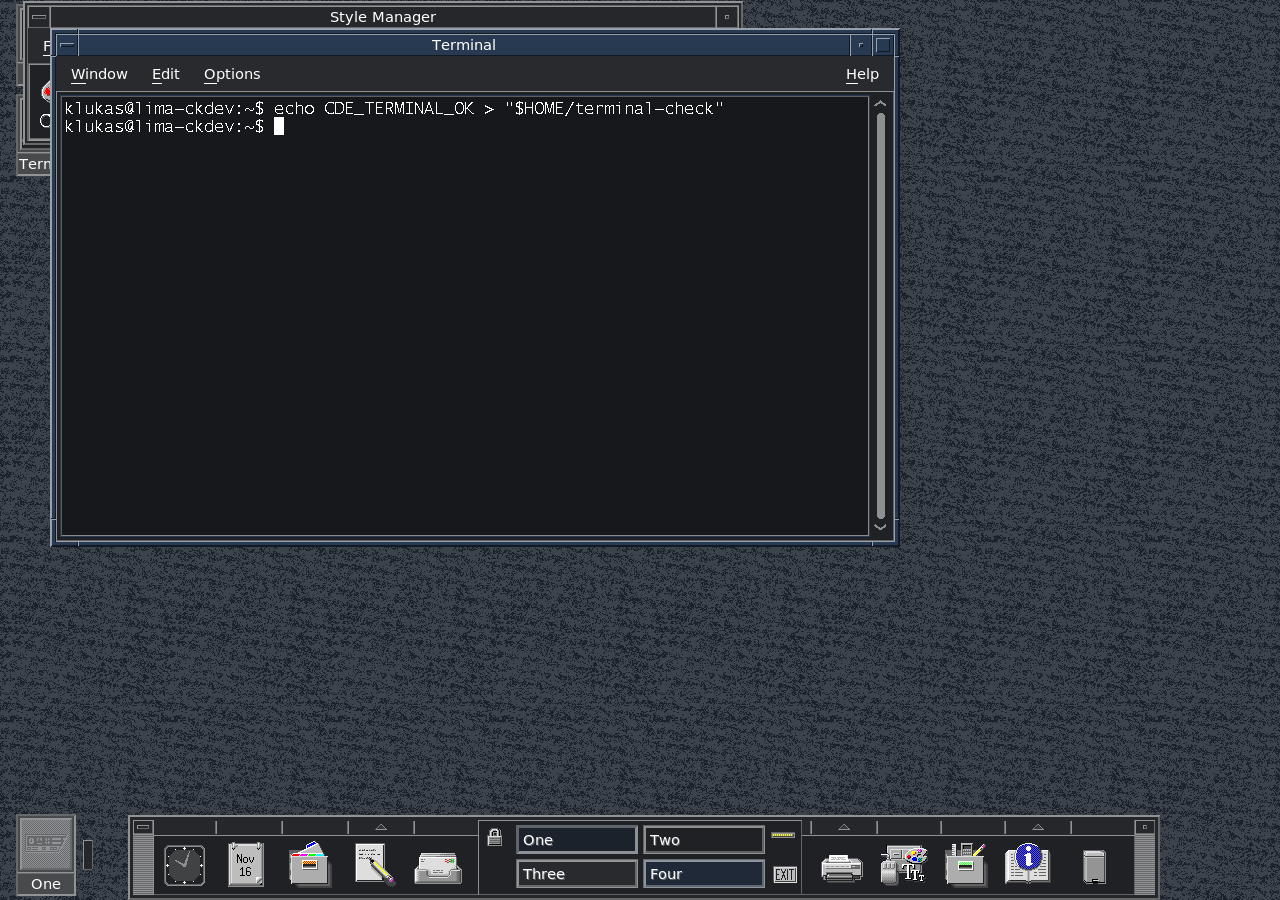
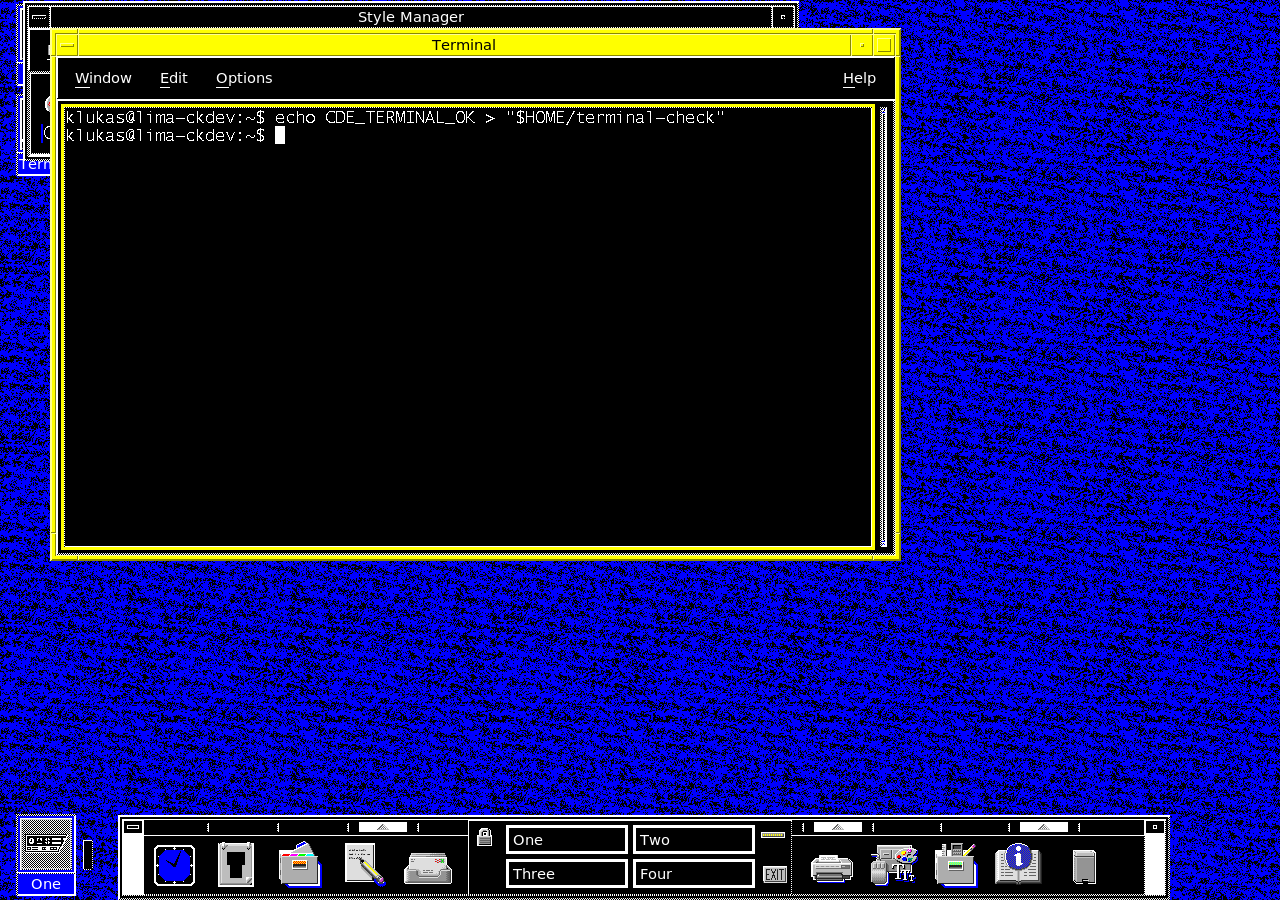
Terminal
dtterm runs inside the session, accepts keyboard input, and executes a shell
command in the user's home directory before this capture is taken. Under modern
appearance profiles, dtwm preserves CDE's classic 3D beveled window
decorations while rendering anti-aliased Xft titlebar and icon labels, and
dtsession scopes the palette's text colorset to *DtTerm*background and
*DtTerm*foreground.
File Manager
dtfile opens /usr/dt inside the same session, showing the installed CDE
tree with menu bar, path header, icon view, and status line styled by the active
appearance profile.
Capture Provenance
The screenshots are captured from a real /usr/dt/bin/Xsession session across
all four profiles (classic, modern_light, modern_dark, high_contrast)
from:
- CK Core Motif revision
d85fb6604a827a7ebfcdcadcbac4525dccc684d7 libXm.so.9.0.0SHA-256 recorded inmotif.sha256/proc/<pid>/exeand/proc/<pid>/mapsverification recorded insmoke-test-processes.txtfordtsession,dtwm,dtstyle,dtterm, anddtfile