 CK Core CDE
Window-aware desktop icons
CK Core CDE can retain a desktop icon for each open window. A compact marker distinguishes the focused window from other open applications, while icons stay synchronized as windows move between workspaces.
The marker occupies its own reserved desktop space beside the icon. The icon image and label retain the full configured icon width, including at the normal 32- and 48-pixel sizes.
The feature keeps running applications visible in the classic CDE desktop model, even when their windows overlap or sit behind another application.
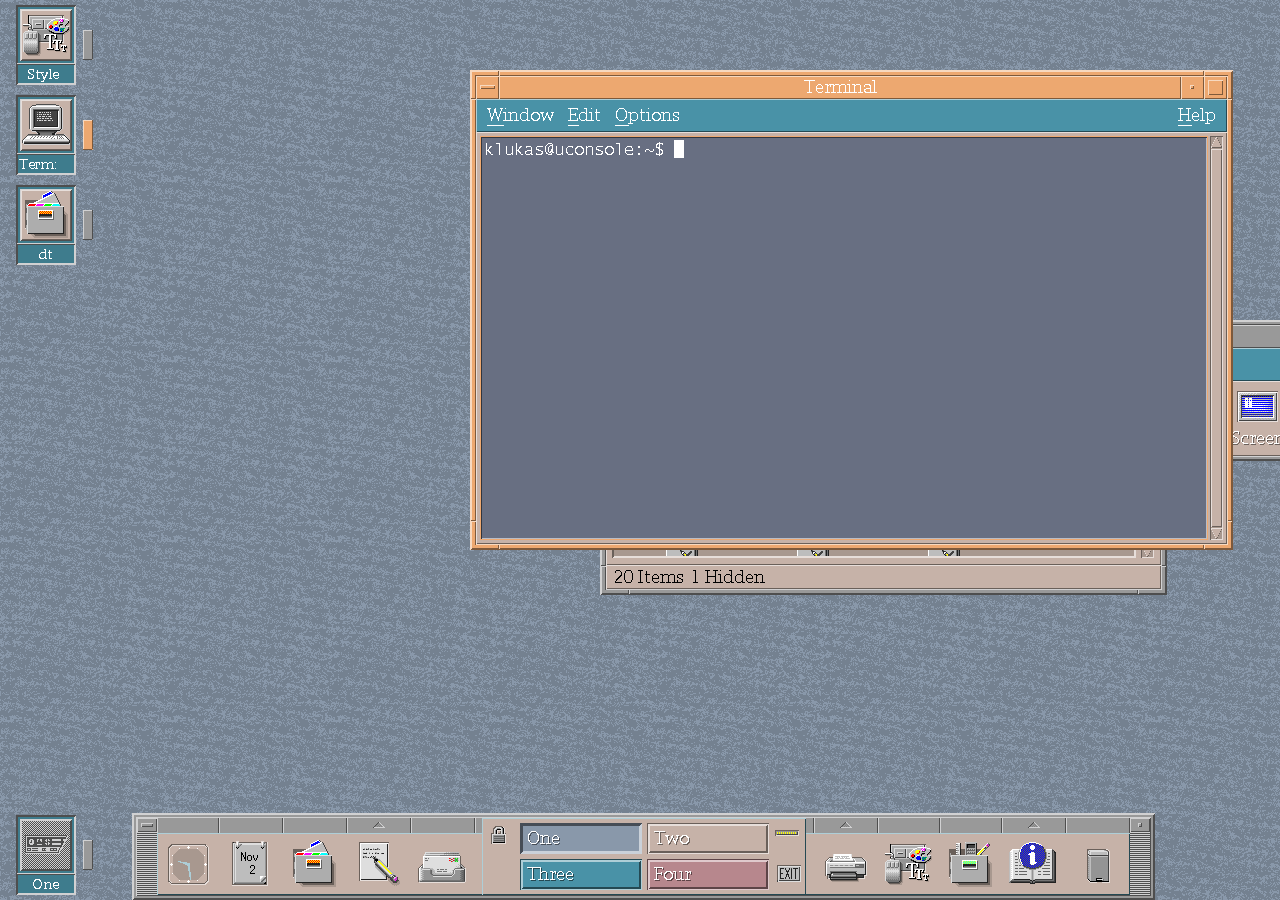
Open-window icons in an automated uConsole session. The marker beside Terminal identifies the focused window.
Live application icons
Open-window icons can display more than a static application mark. An X11
client can replace its WM_HINTS icon pixmap as its state changes, and dtwm
repaints that client-supplied image in the desktop icon. The optional
CK Core Apps suite uses this contract
for high-resolution live views:
- Clock renders the current time.
- System Load renders CPU and RAM bars.
- Eyes follows the pointer while minimized.
- Browser uses the active tab's favicon.
- Coins shows the selected market price.
- The plasma demo streams animated icon frames while minimized.
Clock, System Load, Browser and Coins can refresh the open-window icon directly. Eyes and Plasma enter their compact rendering path when their windows are minimized.
Style Manager's Increase Icon Size setting doubles the icon geometry that
dtwm publishes through WM_ICON_SIZE. Dynamic clients can query that contract
and render directly at CDE's 32/64 or 48/96 pixel size pair, preserving detail
without relying on cropping or resampling inside the window manager.
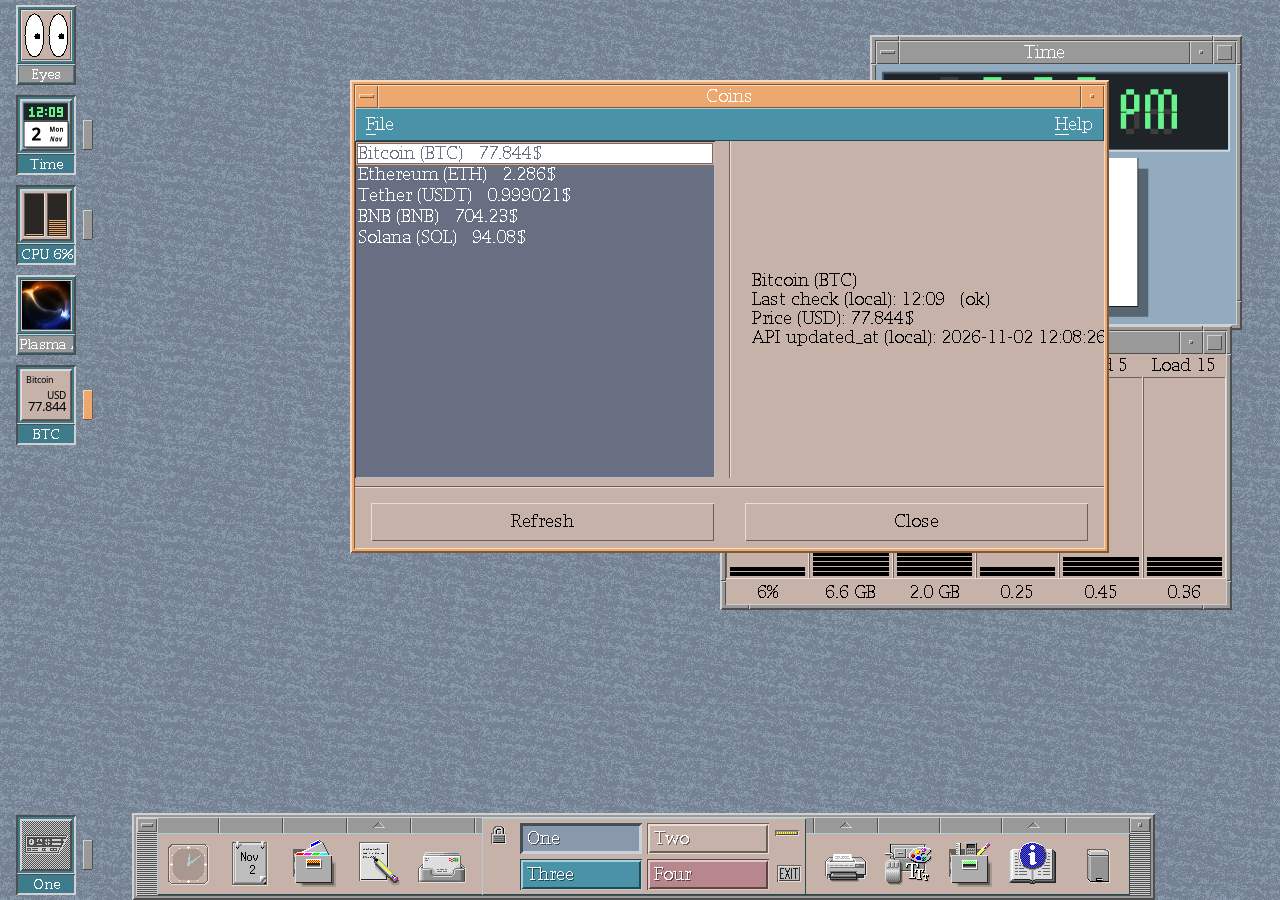
CK Core Apps exercising both open-window and minimized dynamic icons in a uConsole smoke session built with CK Core Motif ABI 9.
The applications remain a separate companion project so CDE and the optional suite can release independently. See High-resolution dynamic icons for the app-owned behavior and update cadence.
Configuration
The Dtwm*showOpenWindowIcons resource controls the feature and defaults to
enabled in CK Core CDE.
See Window management for the related task switcher and movement features.