 CK Core Apps
Eyes (ck-eyes)
ck-eyes (CkEyes X application class) is a native Motif/CDE pointer-tracking companion inspired by classic xeyes. When minimized on CK Core CDE, it continues tracking the X11 pointer directly inside its shaped desktop icon.
Interaction and styles
- Toggle drawing style: Click any mouse button inside the
ck-eyeswindow to switch between its two geometries:- Elliptical style (default,
eye_style = 1): Tall, full-height elliptical eyes with proportionally scaled outline thickness. - Circular style (
eye_style = 0): Side-by-side circular eyes centered vertically in the window.
- Elliptical style (default,
- Smooth tracking: Samples pointer coordinates via
XQueryPointerevery50 ms(20 FPS).
Shaped dynamic icon
ck-eyes switches rendering targets automatically based on window state:
- Open & viewable: Redraws only the main
XmDrawingArea(200×120default), avoiding unnecessary icon pixmap allocations. - Minimized / unmapped (
IconicState): Renders both aWM_ICON_SIZE-matchedIconPixmapHintand a 1-bitIconMaskHintshape mask so the desktop backdrop shows cleanly around the pair of eyes. - Icon-relative gaze: Resolves the icon's on-screen coordinates from
_NET_WM_ICON_GEOMETRYorIconWindowHint(XTranslateCoordinates) when available so the pupils point accurately toward the cursor from the icon's actual desktop position (falling back to screen-proportional mapping otherwise).
| Motion frame A | Motion frame B (4 seconds later) |
|---|---|
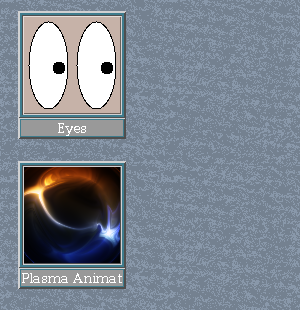 | 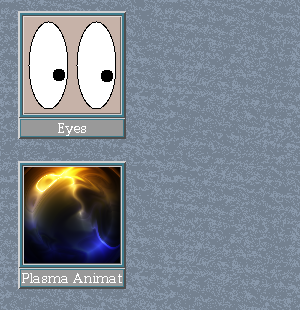 |
See High-resolution dynamic icons for 32×32–96×96 icon captures.
Command-line options and session state
ck-eyes [-session <session_id>] [Xt options...]
- CDE session state: Saves and restores window geometry (
x,y,w,h) and the selectedeye_style(0or1) across CDE sessions viaDtSessionSavePath/DtSessionRestorePath.